

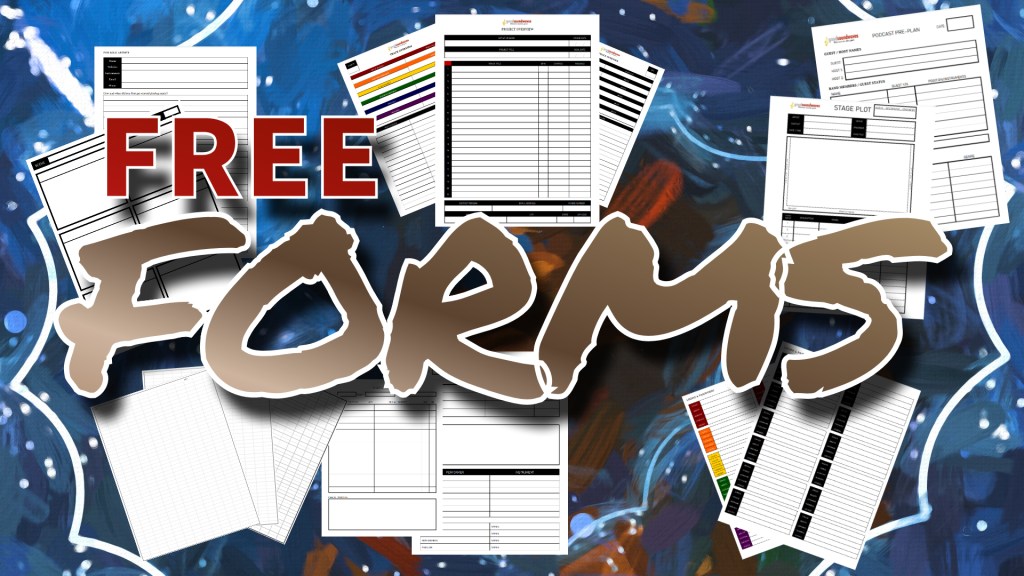
When I’m taking notes I really enjoy using Goodnotes on my iPad with an Apple Pencil. It’s a fantastic app that serves as a collection of digital notebooks with a variety of page templates. It didn’t take me long to figure I could create my own templates by uploading and importing PDF files. To help me work through the stuff I do with this goodsoundwaves project, I have created several forms that I use. Perhaps you’ll find use in some of them. These are all free to download and use for personal use.
This form is useful when I’m preparing for a podcast episode. It can be helpful during the taping to have these notes available.
I use this as an overview of each studio recording project. I couple this with a Track Overview form (below) for each song.
These Track Overview forms help me record a lot of the details about each song in a studio recording project.
This is a colorful version of the Track Overview form.
This form is useful for tracking the gear I take out for and return from performances.
I like using this Stage Plot form to map out what’s connected to my mixer and where everything’s at on the stage.
I use this form as a survey for artists when I’m developing their profile pages on the goodsoundwaves site.
Here’s a simple page for tracking login information. I like using the app’s eraser to update passwords.
Here’s a colorful version of the Logins & Passwords form.
I use this first one when I’m editing video of live shows. This helps me record the track names and notes for each song.
I use this to storyboard my videos.


 goodsoundwaves™